
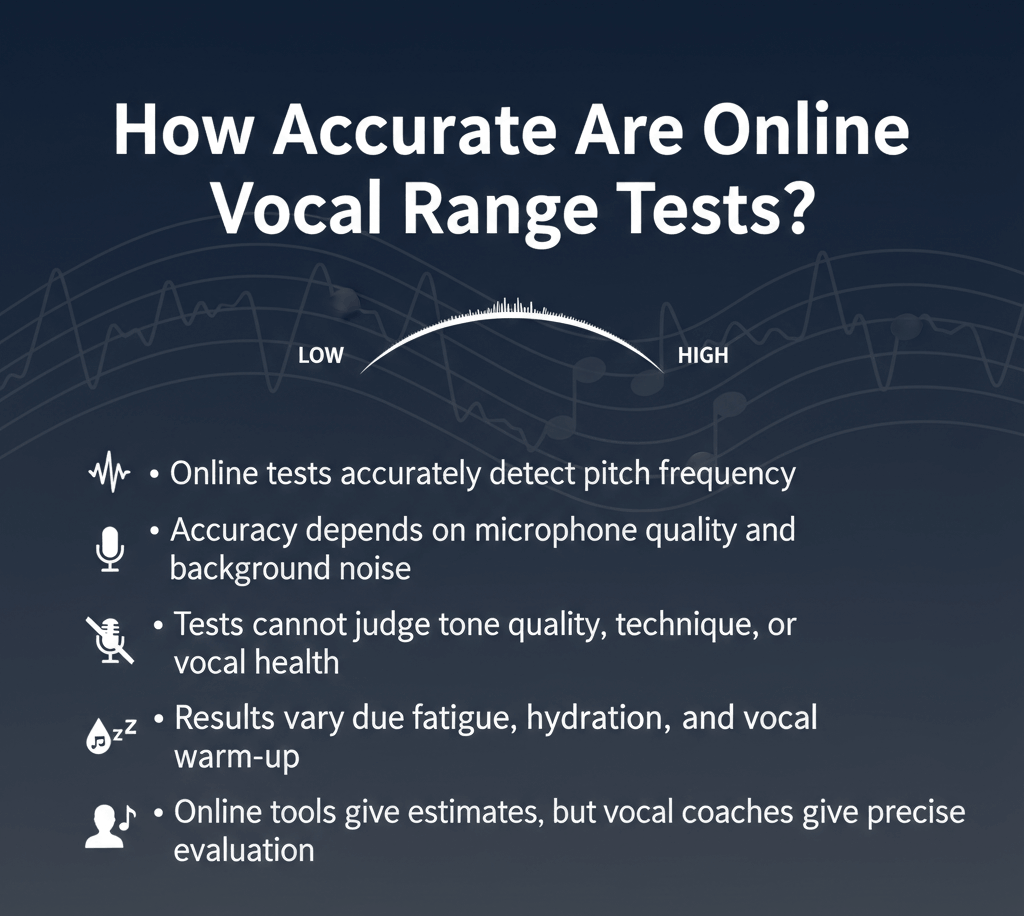
Online vocal range tests can give you a useful estimate of your lowest and highest singing notes when you sing clear, steady pitches in a quiet environment. However, they are not perfectly accurate under every condition.
A test may detect a note correctly but still produce a misleading range if you count a strained high note, an unstable low note, or a pitch you cannot repeat. It may also measure your note span accurately without correctly determining your voice type.
There is no universal accuracy percentage for all online vocal range tests. Results depend on the test’s pitch-detection method, your microphone, the room, the stability of your singing, and how you choose which notes belong to your range. Want to test your voice? Use our free tool to measure your singing range.
What Does “Accurate” Mean in a Vocal Range Test?
Accuracy involves more than identifying a frequency. A useful test must get several things right:
| Accuracy layer | What needs to be accurate |
|---|---|
| Audio capture | The microphone must receive a clear vocal signal |
| Pitch detection | The tool must identify the fundamental frequency |
| Note identification | The frequency must be matched to the correct note and octave |
| Range boundaries | The lowest and highest accepted notes must be genuinely usable |
| Interpretation | The result must not be confused with voice type, tessitura or skill |
A problem at any layer can affect the final result.
For example, the tool might correctly detect E5. But if you reached E5 only by shouting and cannot repeat it, including that note would exaggerate your usable range.
The opposite can also happen. A detector may show a note one octave too high or low after following a harmonic instead of the fundamental frequency. This can make the calculated range look much wider or narrower than it really is.
How Online Vocal Range Tests Work
A microphone-based test captures a short section of your voice and analyzes the waveform. The test then estimates the fundamental frequency—the main frequency associated with the pitch you hear.
A typical online test follows this process:
- Capture audio through the microphone.
- Check whether the signal is strong and stable enough.
- Estimate the fundamental frequency in Hertz.
- Match the frequency to the nearest musical note.
- Identify or save the lowest and highest accepted notes.
- Calculate the distance between them in semitones and octaves.
This is an estimation process. The tool analyzes the sound it receives; it cannot directly observe your vocal folds or know how the note felt to produce.
A well-designed test may use pitch-stability checks, confidence thresholds and multiple readings to reduce errors. These controls improve reliability, but they cannot correct every problem caused by noise, harmonics, unstable singing or unsuitable boundary notes.
Why There Is No Universal Accuracy Percentage
Claims such as “95% accurate” or “99% accurate” are difficult to interpret unless the publisher explains exactly what was tested.
An accuracy percentage could refer to:
- Identifying the correct note name
- Measuring frequency within a particular tolerance
- Avoiding octave errors
- Detecting sustained vowels in clean recordings
- Identifying the singer’s usable range boundaries
- Assigning the correct voice type
These are different tasks.
A detector tested with clean studio recordings may perform differently when used through a phone microphone in a room with background noise. A tool may also recognize most mid-range notes correctly but struggle with breathy low notes, whistle notes, strong vibrato or vocal effects.
A confidence score should not automatically be treated as an accuracy percentage. It usually indicates how strongly the captured signal matches the detector’s requirements. A strong harmonic can sometimes produce a confident reading even when the displayed octave is incorrect.
What Can Make a Vocal Range Test Inaccurate?
Background noise and echo
Fans, traffic, music, nearby conversation and room reflections can interfere with the vocal signal. The tool may follow another sound or fail to identify a stable pitch.
Breathy or unstable notes
Very breathy singing contains less clearly defined pitch information. Vocal fry, growls, distortion and other complex sounds can also make pitch estimation harder.
Strong harmonics
A singing voice contains a fundamental frequency and several harmonics. If the tool follows a harmonic instead of the fundamental, it may display the wrong note or octave.
Wide vibrato and pitch slides
Vibrato moves above and below a central pitch. A wide or irregular vibrato can make the displayed frequency fluctuate. Sliding into a note can also confuse the detector if it captures the transition rather than the final sustained pitch.
Singing too softly
A very quiet signal may not contain enough usable information. The test may reject the note, display an unstable reading or follow background noise instead.
Singing too loudly or too close
Excessive volume can overload the microphone and distort the captured signal. Keep your volume moderate and your microphone distance consistent.
Device audio processing
Phones, laptops and browsers may apply noise reduction, automatic gain control or other processing. This can affect what the test receives, even when you sing the same note.
Forced high or low notes
A pitch detector cannot feel throat pressure or determine whether a note is comfortable. It may correctly identify a strained note that should not be counted as part of your usable singing range.
Common Problems and Their Likely Causes
| What happens | Likely cause | What to try |
|---|---|---|
| The note jumps by an octave | A harmonic was detected | Change vowel, reduce volume and repeat |
| The display changes constantly | Vibrato, sliding pitch or room noise | Hold a steadier note in a quieter room |
| No note appears | Signal is too quiet or microphone access is blocked | Check permission and move slightly closer |
| The calculated range is unusually wide | Strained, fry or accidental notes were included | Keep only comfortable, repeatable notes |
| The range is unusually narrow | Fatigue, insufficient warm-up or early stopping | Rest, warm up gently and retest |
| Different devices show different notes | Microphone or device processing differs | Use the same device for comparisons |
| The tool shows a nearby wrong note | The pitch is unstable or between notes | Sustain it again and cross-check |
| Results change every session | Voice and testing conditions are inconsistent | Standardize the method and compare several tests |
If your browser cannot access the microphone or the tool does not respond, follow the site’s troubleshooting guide before deciding that the test is inaccurate.
Tool Error vs Testing-Method Error
Unexpected results may come from the technology, the testing method or both.
A tool-related error may occur when the system:
- Follows background noise
- Mistakes a harmonic for the fundamental
- Captures a transition between pitches
- Displays the wrong octave
- Rejects a valid but difficult-to-detect note
A testing-method error may occur when the singer:
- Tests without preparing the voice
- Changes vowel, volume or microphone distance
- Counts a strained or accidental note
- Mixes registers without recording them
- Tests in different environments
- Accepts the first reading without repeating it
For example, a breathy low note may be hard for the tool to detect and too unstable to count as a useful boundary. In that situation, both the audio signal and the selected note create uncertainty.
How to Get More Reliable Results
Use the same testing process each time:
- Test when your voice feels rested and normal.
- Warm up gently without trying to stretch your range.
- Choose a quiet room without music or conversation.
- Keep the microphone at a consistent distance.
- Sing at a moderate, comfortable volume.
- Use one steady vowel, such as “ah” or “oo.”
- Hold each boundary note until the reading stabilizes.
- Repeat your lowest and highest notes two or three times.
- Exclude notes that require shouting, squeezing or excessive effort.
- Record which registers you included.
- Retest on another day under similar conditions.
If you are unsure how to locate suitable boundary notes, follow the complete guide on how to find your vocal range.
For a controlled measurement, use the site’s vocal range tester. It can measure microphone input or accept manually selected notes, allowing you to compare the two methods.
How to Check a Suspicious Result
Cross-check a result when:
- The displayed note is far outside your expected range
- The reading suddenly jumps by an octave
- The same sound produces several different notes
- Your lowest note appears higher than pitches you regularly sing
- The highest note was produced in an unintended register
- The result changes dramatically after switching devices
Sing the individual note into the pitch detector and repeat it several times. You can also compare it with a piano or keyboard reference.
A note is more likely to be a reliable boundary when you can:
- Produce it more than once
- Hold a recognizable pitch
- Start and stop it with control
- Sing it without pain or marked tightness
- Use it under similar conditions on another day
If the pitch appears only once or requires excessive effort, record it as an extreme note rather than part of your comfortable range.
How Much Variation Between Tests Is Normal?
Some movement at the boundaries does not automatically mean the test is wrong. Your accessible notes can change with:
- Vocal fatigue
- Warm-up
- Recent singing or speaking
- Illness or irritation
- Technique
- Register choice
- Testing environment
- Microphone behavior
There is no universal number of semitones that represents normal variation for every singer.
Look for reproducible patterns instead of expecting every test to be identical. If the central part of your range remains stable while one boundary changes slightly, record the difference and continue comparing results.
A sudden octave-sized change is more likely to require technical checking, especially when you did not intentionally switch registers.
Online Test vs Piano vs Voice Teacher
| Method | Best use | Main limitation |
|---|---|---|
| Online vocal range test | Fast note and range measurement | Depends on audio input and pitch detection |
| Piano or keyboard | Manual pitch matching and verification | Requires sufficient pitch-matching ability |
| Separate pitch detector | Checking an individual note | Does not decide whether the note is usable |
| Voice teacher | Evaluating comfort, registers, tessitura and technique | Requires an appropriate professional assessment |
An online test is more informative than guessing, but it does not automatically replace manual verification or a qualified teacher’s judgment.
Can an Online Test Determine Voice Type?
A vocal range test may compare your result with common categories, but range alone cannot reliably determine voice type.
Voice classification may also consider:
- Comfortable tessitura
- Vocal tone and weight
- Register transitions
- Passaggio locations
- Performance range
- Training and repertoire
- Age and vocal development
Two singers may share the same lowest and highest notes while having different comfort zones and vocal qualities. Use the site’s guide to voice types to understand these classifications without treating range as the only deciding factor.
A vocal range test also cannot determine singing skill, diagnose a vocal condition, prescribe exercises or guarantee that every detected note is safe for performance.
When You Should Not Take a Vocal Range Test
Do not test your extremes when your voice is hoarse, painful, unusually tired or recovering from illness.
Stop immediately if singing causes:
- Pain or burning
- Significant throat pressure
- Sudden hoarseness
- Difficulty speaking afterward
- Discomfort that continues after the test
A persistent unexplained loss of range, recurring pain or lasting hoarseness should be evaluated by an appropriate healthcare professional. An online vocal range test is a musical measurement tool, not a medical assessment.
Frequently Asked Questions
Are online vocal range tests accurate?
They can provide a useful estimate when you sing clear, sustained notes in a quiet room. Accuracy depends on the microphone signal, pitch-detection method, singing stability and selection of suitable range boundaries.
Can a phone microphone measure vocal range accurately?
A phone microphone can be sufficient for a basic estimate. Use a quiet room, maintain a consistent distance and repeat unexpected readings.
Why does my vocal range test show different results each time?
Your vocal condition, warm-up, technique, register choice, room and microphone input may change. Repeat the test under similar conditions before concluding that your range has changed.
Why did the test detect the wrong octave?
The detector may have followed a harmonic instead of the fundamental frequency. Try a steady vowel at moderate volume and verify the note with another reference.
Does a high confidence score mean the result is definitely correct?
No. Confidence generally shows how strongly the signal matches the detector’s criteria. It is not a guaranteed accuracy percentage.
Should falsetto count in a vocal range test?
Falsetto can be included in a full demonstrated range when it is clear and repeatable. Record it separately if you want to distinguish it from your modal or comfortable range.
Is an online vocal range test as accurate as a voice teacher?
An online test can identify notes and calculate their span. A voice teacher can additionally evaluate comfort, tessitura, technique, tone and register transitions.
How many times should I repeat the test?
Repeat questionable boundary notes during the session and test again on another day. Consistent results are more useful than one unusually wide measurement.